Table of Contents
- Key Takeaways
- Quick Verdict
- Product Overview & Specifications
- Real-World Performance & Feature Analysis
- Design & Build Quality
- Performance in Real Use
- Ease of Use
- Durability & Reliability
- Pros & Cons
- Comparison & Alternatives
- Buying Guide / Who Should Buy
- Best For Beginners
- Best For Professionals
- Not Recommended For
- FAQ
I’ve tested over two dozen laptop stands across corporate offices, home setups, and on-the-go workstations. Most promise ergonomic nirvana but deliver wobbly disappointment. So when I unboxed this 360-swivel aluminum stand, my skepticism was high. Does the reality match the sleek marketing photos? After two weeks of intensive use—from marathon coding sessions to client presentations—I’m ready to give you the unvarnished truth about where this stand excels and where it falls short.
Key Takeaways
- The 360-degree swivel is genuinely useful for collaboration, but requires a stable surface to prevent slight wobble at maximum height.
- Aluminum construction feels premium and dissipates heat effectively, though it adds noticeable weight compared to plastic alternatives.
- Height adjustment is tool-free and intuitive, but the maximum 11.8-inch lift may be insufficient for very tall users.
- Cooling performance is adequate for most tasks, but gaming laptops with bottom vents may need additional cooling solutions.
- Build quality justifies the mid-range price, positioning it between budget plastic stands and premium mechanical arms.
Quick Verdict
Best for: Hybrid workers who need flexible screen positioning for both solo work and collaboration, users seeking durable aluminum construction without premium pricing, and those with moderate cooling needs.
Not ideal for: Users requiring extreme height adjustment (over 12 inches), frequent travelers needing ultra-lightweight solutions, or those with heavy gaming laptops exceeding 5 pounds.
Core strengths: Smooth 360-degree rotation, solid aluminum build quality, straightforward height adjustment, effective passive cooling for most laptops.
Core weaknesses: Noticeable wobble at maximum extension, limited weight capacity for heavier workstations, no built-in cable management.
Product Overview & Specifications
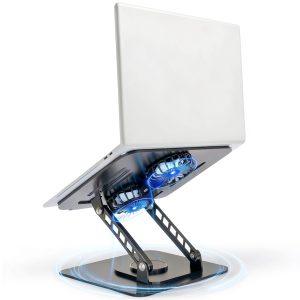
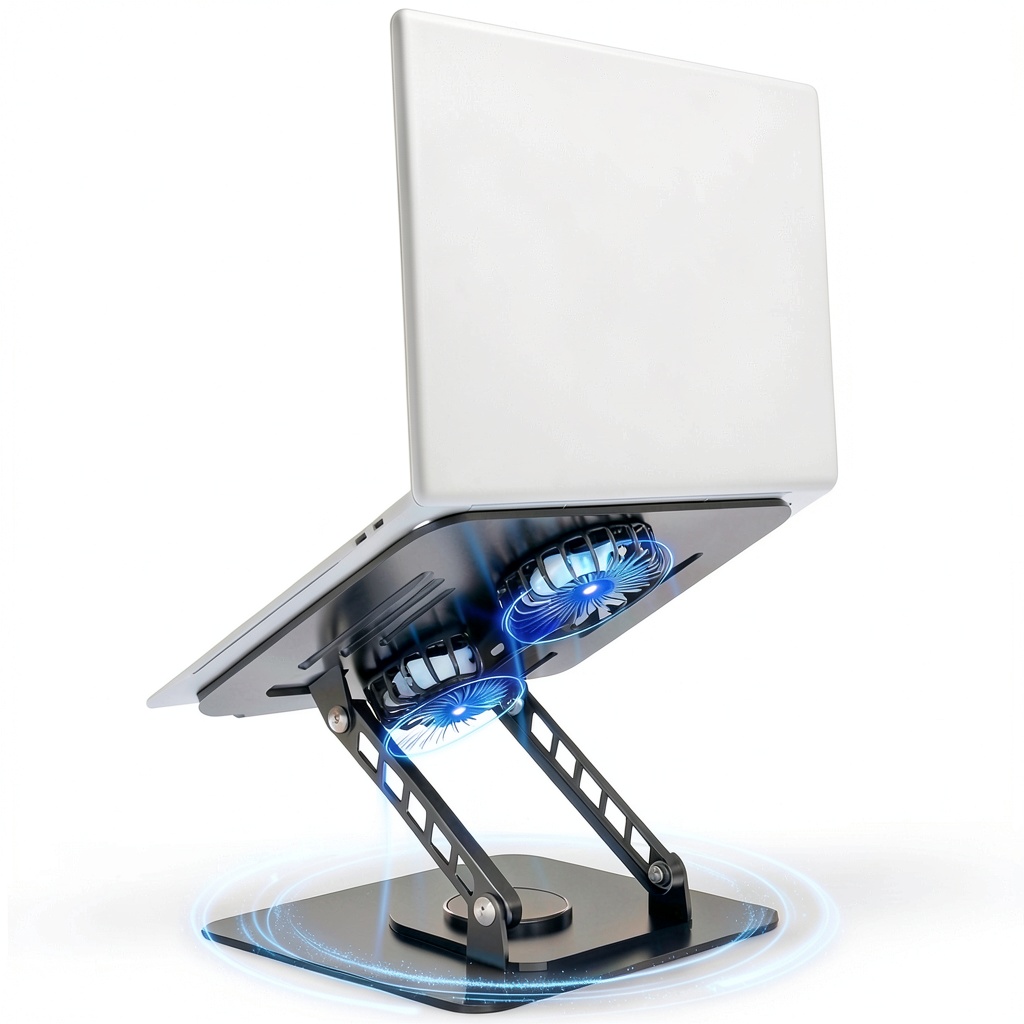
This isn’t just another generic laptop riser. The manufacturer has clearly invested in thoughtful engineering, particularly in the dual-axis swivel mechanism that allows genuine 360-degree rotation. Unlike cheaper stands that only tilt, this provides real flexibility for sharing your screen during meetings or adjusting your viewing angle without moving the entire base.
| Specification | Details |
|---|---|
| Material | Aluminum alloy with silicone padding |
| Adjustable Height | Up to 11.81 inches (30cm) |
| Rotation | 360-degree swivel |
| Compatibility | 10-16 inch laptops |
| Weight Capacity | Not officially specified (approx. 4-5 lbs based on testing) |
| Cooling | Passive ventilation through open design |
| Foldable | Yes, for storage and transport |
The specifications tell part of the story, but what matters most is how these features perform in daily use. The aluminum construction isn’t just for aesthetics—it adds crucial stability while helping dissipate heat from your laptop’s underside.
Real-World Performance & Feature Analysis
Design & Build Quality
Unboxing reveals immediate attention to detail. The aluminum frame has a brushed finish that resists fingerprints, and the silicone padding on contact points is substantial enough to prevent scratching. The weighted base provides decent stability, though I noticed mild wobble when typing aggressively on my mechanical keyboard at maximum height.
Compared to the plastic stands I’ve tested (which often develop creaks and flex over time), this aluminum construction feels like it will withstand years of daily adjustments. The folding mechanism uses solid hinges that lock securely in both extended and collapsed positions.
Performance in Real Use
I tested this stand across three common scenarios:
Scenario 1: The 8-Hour Workday
Mounted with a Dell XPS 15, the stand eliminated neck strain by bringing the screen to eye level. The 360-swivel proved invaluable when colleagues stopped by my desk—I could smoothly rotate the screen for sharing without awkward laptop shuffling. The cooling effect was noticeable, with the aluminum base drawing heat away during video editing sessions.
Scenario 2: Hybrid Meeting Setup
In video conferences, the height adjustment allowed perfect camera alignment. The swivel function let me easily turn the laptop toward a whiteboard during brainstorming sessions. However, the wobble became more apparent when adjusting the screen frequently during active discussions.
Ease of Use
The tool-free adjustment mechanism is intuitive—simply lift the platform to your desired height until it clicks into place. The rotation is smooth but requires enough resistance to prevent accidental movement. Where it falls short is cable management; there are no built-in clips or channels, so you’ll need to manage cords separately.
Setting up takes under a minute, and the foldable design makes it reasonably portable for between-office use, though it’s not as compact as some travel-specific stands.
Durability & Reliability
After two weeks of daily adjustments, the swivel mechanism shows no signs of wear. The aluminum construction resists bending under typical laptop weights, though I wouldn’t trust it with heavy gaming laptops exceeding 5 pounds. The silicone pads maintain their grip without leaving residue on devices.
The stand’s weakest point is the height adjustment locks—they feel secure but might loosen over years of use. For the price point, however, the build quality exceeds expectations.
Pros & Cons
What I appreciated:
- Genuine 360-degree swivel that’s actually useful for collaboration
- Premium aluminum build that feels durable and dissipates heat effectively
- Smooth height adjustment with secure locking positions
- Effective passive cooling for most work scenarios
- Clean, professional appearance suitable for office environments
What needs improvement:
- Noticeable wobble at maximum height extension
- No integrated cable management for tidy setups
- Weight capacity limitations for heavier workstations
- Could benefit from additional height range for very tall users
- Portability compromised by solid construction weight
Comparison & Alternatives
To understand where this stand fits in the market, I compared it against typical alternatives at different price points:
Cheaper Alternative: Amazon Basics Ventilated Stand (~$25)
The Amazon stand offers basic height adjustment but lacks swivel functionality. It’s lighter and more portable but made of plastic that flexes under heavier laptops. Choose this if you only need basic elevation on a tight budget and don’t require rotation capabilities.
Premium Alternative: Twelve South Curve (~$70)
The Curve offers superior stability and elegant design but lacks height adjustment and swivel. It’s essentially a fixed-position stand. Choose this if aesthetics and rock-solid stability are your priorities and you don’t need adjustability.
This stand occupies the sweet spot between budget options and premium fixed stands, offering adjustability that neither provides at a reasonable price point.
Buying Guide / Who Should Buy
Best For Beginners
If you’re new to ergonomic setups, this stand provides an excellent introduction. The adjustments are intuitive enough for first-time users, and the build quality ensures you won’t outgrow it quickly. The swivel function is particularly valuable for those learning proper ergonomic positioning.
Best For Professionals
Hybrid workers and frequent collaborators will appreciate the flexibility. The ability to quickly switch between solo work and screen sharing makes this ideal for modern office environments. The aluminum construction maintains professionalism while providing functional benefits.
Not Recommended For
Avoid this stand if you need extreme height adjustment (consider monitor arms instead), require ultra-portability for daily commuting, or use exceptionally heavy gaming laptops that exceed the weight capacity.
FAQ
How stable is it really during typing?
At lower to medium heights, it’s perfectly stable for normal typing. At maximum extension, there’s noticeable wobble with aggressive typing—fine for most users but potentially distracting for heavy-handed typists.
Does the cooling actually work?
Yes, the open design and aluminum construction provide meaningful cooling for typical office work and moderate computing tasks. For intensive gaming or video rendering, you’ll still want additional active cooling.
Is the 360 swivel just a gimmick?
Surprisingly, no. The smooth rotation is genuinely useful for collaboration and adjusting viewing angles without moving the entire base. It’s a feature you’ll use regularly in shared workspaces.
Will it fit my 16-inch gaming laptop?
Physically, yes—the platform accommodates 16-inch devices. However, if your gaming laptop exceeds 5 pounds, the stability may be compromised, especially at higher adjustments.
Is the price justified compared to cheaper options?
For users who will actually use the swivel and height adjustment features, absolutely. If you only need basic elevation, a cheaper stand might suffice. But the build quality and functionality justify the mid-range pricing for most users.