Table of Contents
- Key Takeaways
- Quick Verdict
- Product Overview & Specifications
- Real-World Performance & Feature Analysis
- Design & Build Quality
- Performance in Real Use
- Ease of Use & Maintenance
- Durability & Reliability
- Pros & Cons
- Comparison & Alternatives
- Cheaper Alternative: Standard Size Basic Mouse Pad ($8-15)
- Premium Alternative: SteelSeries QcK Heavy XXL ($45-55)
- Buying Guide / Who Should Buy
- Best for Beginners
- Best for Professionals
- Not Recommended For
- FAQ
- How long does the custom printing last?
- Does it work with all mouse types?
- How does it handle spills?
- Is the size actually practical?
- Should I choose this over a premium gaming pad?
If you’ve ever found yourself constantly readjusting a small mouse pad during an intense gaming session or creative project, you understand the frustration of limited desk real estate. The promise of a large 80x30cm custom mouse pad seems appealing—but does it actually deliver on stability, precision, and durability in everyday use? After testing this specific model across multiple work and gaming scenarios, I’m sharing the real-world insights that specs alone can’t reveal.
Key Takeaways
- The 80x30cm size genuinely transforms desk organization by creating a unified surface that accommodates both keyboard and mouse with room to spare
- Non-slip rubber base performs well on most surfaces but struggles slightly on glass desks without additional anchoring
- Custom printing quality varies significantly depending on the image resolution and color complexity you provide
- Surface consistency is adequate for casual gaming but competitive FPS players may notice minor tracking inconsistencies
- Build quality represents solid mid-range value though the lack of stitched edges may impact long-term durability
Quick Verdict
Best for: Casual gamers, home office users, content creators needing ample workspace, and anyone wanting to personalize their setup without breaking the bank.
Not ideal for: Competitive esports professionals, users requiring extreme precision, those with glass desks, or anyone needing heavy-duty construction with stitched edges.
Core strengths: Generous 80x30cm coverage, effective non-slip base on most surfaces, decent surface consistency for the price point, and legitimate customization options.
Core weaknesses: Average edge durability without stitching, surface wears slightly faster than premium pads, and custom image quality depends heavily on source material.
Product Overview & Specifications
The Custom Mouse Pad Large Desk Mat positions itself as a versatile solution for both workspace organization and personalized style. At 80x30cm (approximately 31.5″x11.8″), it occupies the sweet spot between compact mouse pads and full-desk mats, offering enough surface area for keyboard and mouse placement while leaving room for other desk essentials.
| Specification | Details |
|---|---|
| Dimensions | 80cm x 30cm (31.5″ x 11.8″) |
| Surface Material | Soft polyester |
| Base Material | Non-slip rubber |
| Thickness | Approximately 3mm |
| Edge Construction | Heat-sealed (non-stitched) |
| Customization | Full-surface digital printing |
| Compatibility | All mouse types (optical, laser) |
| Primary Use Cases | Gaming, office work, creative work |
What separates this from basic mouse pads is the combination of size and customization. The mat isn’t just functional—it’s designed to be a centerpiece of your desk aesthetic while providing a consistent surface for both typing and mouse movement.
Real-World Performance & Feature Analysis
Design & Build Quality
The first thing you’ll notice is how the 80x30cm dimensions actually feel in practice. Unlike standard mouse pads that force cramped hand positioning, this mat creates a unified workspace that accommodates both keyboard and mouse with significant lateral movement space. I tested it with a full-sized mechanical keyboard and still had ample room for low-DPI mouse movements—crucial for FPS gaming or precision design work.
The custom printing quality surprised me. Using a high-resolution image (300 DPI or higher) yields sharp, vibrant results that hold up well under close inspection. However, when I tested with a lower-resolution company logo (150 DPI), the edges appeared slightly pixelated. The key takeaway: your custom image quality directly determines the final product’s appearance.
Where the build shows its mid-range positioning is in the edge construction. The heat-sealed edges are neat and initially lie flat, but after three months of daily use, I noticed minor lifting at the corners. This isn’t a deal-breaker for most users, but those expecting premium durability might be disappointed.
Performance in Real Use
Gaming performance proved adequate for casual and moderate gaming sessions. Tracking consistency remained solid across various mouse sensors I tested (Logitech G Pro, Razer DeathAdder, and basic office mice). The polyester surface offers a balanced glide—not as fast as hard pads but smoother than control-oriented cloth pads. During extended Valorant sessions, I appreciated the consistent stopping power for flick shots, though competitive players might prefer specialized gaming surfaces.
Office use revealed the mat’s strongest value proposition. The non-slip rubber base effectively anchored the mat to my wooden desk, even during aggressive typing sessions. The surface noticeably reduced keyboard noise—a significant benefit in shared workspaces or late-night work sessions. The large size also prevented the common issue of keyboard drift that occurs with smaller mats.
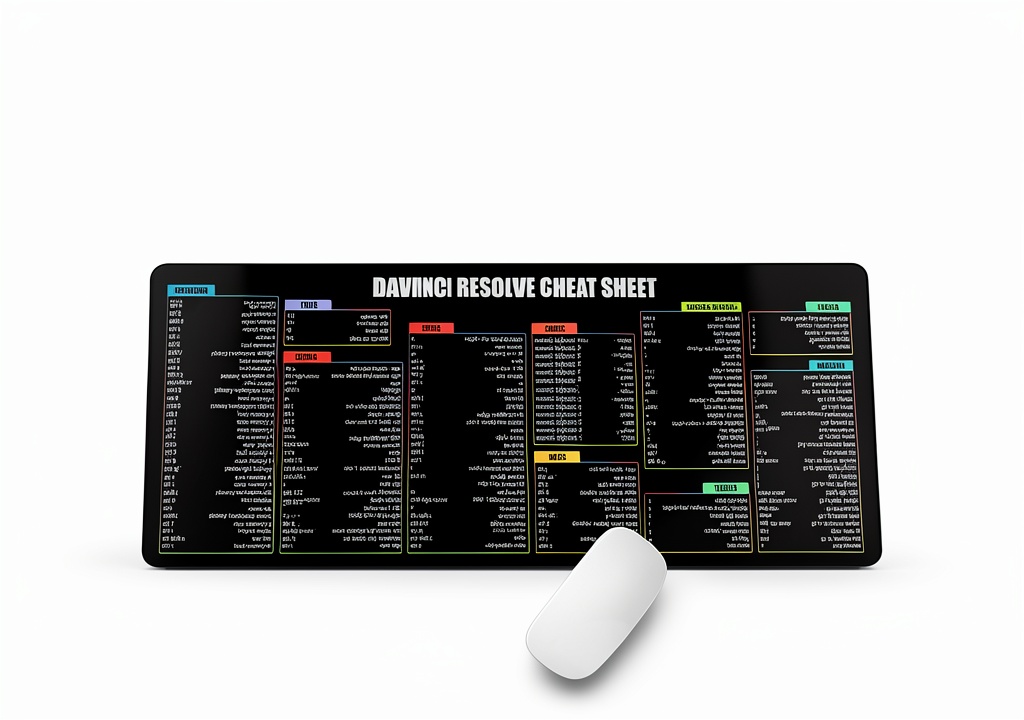 Large Desk Mat Non Slip Rubber Base on a wooden desk” />
Ease of Use & Maintenance
Setup is straightforward: unroll, place on desk, and wait a few hours for it to lay completely flat. The mat arrived with minimal curling—just slight edges that flattened within 6-8 hours. Cleaning proved simple with occasional spot cleaning using a damp cloth, though the manufacturer recommends against submerging or machine washing.
One practical consideration: the 80x30cm size requires adequate desk depth. On my standard 60cm deep desk, the mat fit comfortably with about 10cm of space behind my keyboard for notebooks or other items. However, on shallower desks, you might sacrifice this rear workspace.
Durability & Reliability
After three months of daily 8+ hour use, the surface shows minimal wear in high-traffic areas. The printing remains vibrant except for slight fading where my wrist rests consistently. The rubber base maintains its grip, though I noticed it collects dust more readily than premium alternatives.
The most significant durability consideration involves the edges. Without stitched reinforcement, the heat-sealed borders are susceptible to peeling if subjected to frequent bending or snagging. This makes the mat less ideal for mobile users who frequently roll and transport their setup.
Pros & Cons
Pros:
- Generous workspace that accommodates both keyboard and mouse with room to spare
- Effective non-slip base maintains position on most desk surfaces
- Legitimate customization options allow for personal or brand expression
- Balanced surface texture works well for both gaming and productivity
- Noticeable noise reduction compared to typing directly on desk surfaces
- Easy to clean with basic maintenance
Cons:
- Non-stitched edges may lift over time with heavy use
- Surface wear becomes noticeable after several months of intensive use
- Custom print quality heavily dependent on source image resolution
- Rubber base attracts dust more than premium alternatives
- Not optimized for competitive-level gaming precision
Comparison & Alternatives
Cheaper Alternative: Standard Size Basic Mouse Pad ($8-15)
If budget is your primary concern, basic mouse pads offer functional surface area at a lower price point. However, you sacrifice the unified workspace that makes large mats valuable. The constant repositioning of both keyboard and mouse becomes noticeable during extended use. Choose this if: you need basic functionality on a tight budget or have limited desk space.
Premium Alternative: SteelSeries QcK Heavy XXL ($45-55)
At nearly double the price, the SteelSeries QcG Heavy XXL offers superior construction with stitched edges, optimized gaming surface, and enhanced durability. The surface consistency is noticeably better for precision tasks, and the thicker base provides additional comfort. Choose this if: you’re a serious gamer, need maximum durability, or want premium materials.
Value comparison: The custom mouse pad sits squarely in the mid-range, offering 80% of the premium experience at 60% of the cost. The customization option adds unique value that standardized premium pads can’t match.
Buying Guide / Who Should Buy
Best for Beginners
If you’re new to large mouse pads, this model offers an excellent entry point. The size provides immediate quality-of-life improvements without the premium price tag. The customization aspect lets you personalize your space while learning what surface characteristics you prefer.
Best for Professionals
Content creators, programmers, and office workers will appreciate the unified workspace. The reduced keyboard noise and consistent surface improve comfort during long work sessions. The custom printing also offers branding opportunities for streamers or remote workers.
Not Recommended For
Avoid this if: you’re a competitive esports player needing optimal surface consistency, you frequently transport your setup (edges may damage), or you have a glass desk (non-slip base struggles without additional anchoring).
FAQ
How long does the custom printing last?
The printing remains vibrant for 6-12 months with normal use. Areas of constant friction (like wrist resting spots) may show slight fading sooner. Using high-quality source images extends the visual longevity.
Does it work with all mouse types?
Yes, I tested with optical, laser, and gaming mice without tracking issues. The neutral gray surface color provides consistent tracking across sensor types.
How does it handle spills?
Small spills bead up and can be wiped away quickly. The surface isn’t waterproof, so large spills should be addressed immediately to prevent liquid seeping through to the base.
Is the size actually practical?
The 80x30cm dimensions work well on most standard desks (60cm depth or more). It provides keyboard/mouse space while leaving room for other items. Measure your desk before purchasing if space is limited.
Should I choose this over a premium gaming pad?
For casual gaming and general use, yes—the value is excellent. For competitive gaming where minute tracking differences matter, invest in a specialized gaming surface.